The blog
Easiest Shopify Customizer to Set Up in 2026: Bespo Wins


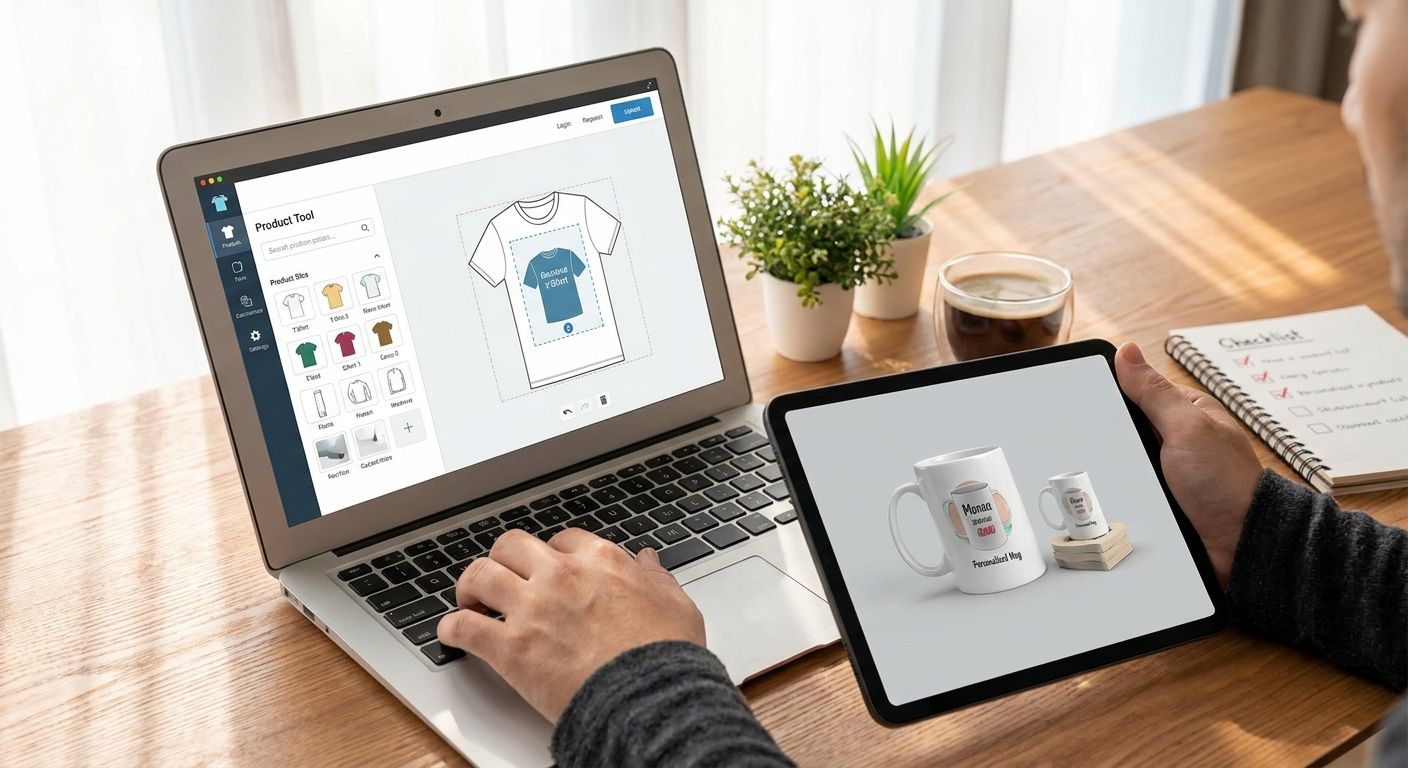
Bespo is the easiest Shopify product customizer to set up in 2026: install the app, enable the app embed, add the customisation block, and shoppers get a live-preview personalizer with no developer involved. Four other customizer apps get measured against that same yardstick below — install to working product page, nothing else.
TL;DR
- Bespo wins easiest shopify product customizer to set up in 2026 — app embed plus block, no developer needed.
- Zakeke suits AR and 3D preview but its render pipeline demands more configuration time.
- Customily fits complex variant-based configurators; expect a longer options-mapping phase.
- Corjl handles downloadable templates only, not live in-browser physical-product personalization.
- Zepto is the budget pick for simple name-and-text fields on a small catalog.
Why this matters
Setup friction is the reason most personalization apps get uninstalled inside the first week: a merchant installs a customizer, hits a wall that needs a developer or a support ticket, and the product page ships without the feature. In 2026, catalog size and SKU count keep growing for merchants running personalized gifting, monogramming, and print-on-demand lines, and every extra setup step is a day of lost sales on those SKUs.
The ranking below isn't about which app has the most features — it's about which app gets a working, live-preview product page onto your storefront the fastest, with the fewest people involved. Bespo is built specifically around that constraint: no code, one embed, one block.
What makes the easiest Shopify product customizer to set up
- No code required — app embed and theme block only, zero Liquid edits.
- Time to first live preview — minutes, not a multi-day dev ticket.
- Per-product configuration — add options SKU by SKU without briefing a developer.
- Fulfilment-ready output — production files generated automatically, no manual proofing queue.
- In-app onboarding — setup steps and documentation live inside the app itself.
- Multiple techniques in one app — text, image upload, and several decoration methods without stacking three separate apps.
Shopify customizer apps at a glance
Bespo
- Best for: No-developer setup
- Standout feature: Live preview across 6 techniques
- Key limitation: Newer app ecosystem vs. long-standing incumbents
- Setup effort: Low
Zakeke
- Best for: AR and 3D preview
- Standout feature: 3D rendering and try-on
- Key limitation: 3D asset prep adds real setup time
- Setup effort: High
Customily
- Best for: Complex variant configurators
- Standout feature: Conditional logic and image mapping
- Key limitation: Long options-mapping phase for big catalogs
- Setup effort: High
Corjl
- Best for: Downloadable templates
- Standout feature: Buyer edits and downloads instantly
- Key limitation: Not built for physical techniques like engraving
- Setup effort: Medium
Zepto
- Best for: Simple text personalization
- Standout feature: Minimal configuration screens
- Key limitation: No image upload or AR support
- Setup effort: Low
1. Bespo: best Shopify product customizer for no-developer setup
Bespo runs as a Shopify app embed plus a theme customisation block — merchants add embroidery, engraving, monogramming, embossing, debossing, or print personalization to a product page without touching code. Shoppers see a live preview as they type a name or upload art, and the app outputs production-ready files for fulfilment on the back end. For teams weighing no-code options broadly, the Shopify apps that build a product configurator without coding guide covers the wider category.
Bespo pros:
- No developer required for install or per-product setup
- Live preview covers six personalization techniques in one app
- Per-variant option configuration without a dev brief
- Production-ready output reduces manual proofing steps
Bespo cons:
- Newer entrant compared to apps with a decade-long integration list
- Focused on Shopify only — not a fit if you run a multi-platform storefront
- Advanced 3D or AR rendering isn't the core use case
Bespo pricing: check current plan options on the app listing — none of the figures below are quoted here since they change.
Best for: merchants who need a personalizer live this week, not next quarter. Verdict: Buy.
2. Zakeke: best Shopify customizer for AR and 3D preview
Zakeke adds photo personalization alongside AR try-on and 3D product rendering, which suits categories like eyewear and jewelry where shoppers want to rotate or view a product before buying. The setup path involves more asset preparation than a text-and-image customizer because 3D models and camera angles need configuring per SKU.
Zakeke pros:
- 3D rendering and AR try-on out of the box
- Wide range of personalization types beyond text
- Works with several print-on-demand fulfilment partners
Zakeke cons:
- 3D asset prep adds real time before a product goes live
- Steeper learning curve for stores without existing 3D models
- Overkill for a catalog that only needs name and text fields
Best for: stores where AR or 3D visualization is the actual selling point, not an add-on. Verdict: Hold — only if AR/3D is core to the product experience.
3. Customily: best Shopify customizer for complex variant-based configurators
Customily is built for catalogs with dozens of variant combinations, conditional logic between options, and image mapping across those variants. That depth is the reason its setup takes longer: mapping every option to every variant image is a real project, not a five-minute task. Merchants comparing this category directly can check the Customily alternatives for Shopify product customization roundup for more detail.
Customily pros:
- Strong conditional logic between options
- Handles large variant sets with image mapping
- Established track record in complex-configurator use cases
Customily cons:
- Long options-mapping phase before first live preview
- More configuration screens than a simple text-field customizer
- Steeper learning curve without a prepared variant-logic spreadsheet
Best for: catalogs that already have complex variant logic mapped out and need the app to enforce it. Verdict: Hold — right for catalog complexity, not simplicity.
4. Corjl: best Shopify customizer for downloadable templates
Corjl is built around personalized digital downloads — invitations, editable PDFs, printable templates — where the buyer edits and downloads a file rather than waiting for a physical fulfilment step. That makes setup fast for template-only SKUs, but it's the wrong tool for engraved, embroidered, or embossed physical goods.
Corjl pros:
- Fast setup for digital download SKUs
- No physical fulfilment step to manage
- Buyer-facing editor is straightforward
Corjl cons:
- Not built for physical personalization techniques
- No live in-browser preview tied to production-ready output like an embroidery or engraving app provides
- Limited fit if your catalog is mostly tangible goods
Best for: stores selling only downloadable, printable templates. Verdict: Skip for physical-product stores; Buy for template-only catalogs.
5. Zepto: best Shopify customizer for simple text personalization on a budget
Zepto Product Personalizer covers the basics — name fields, short text, simple monogram entry — without the configuration depth of a full multi-technique app. Setup is quick because there's less to configure, which is exactly the trade-off: fewer screens, fewer options.
Zepto pros:
- Minimal configuration screens
- Works well for a small catalog
- Straightforward for text-only use cases
Zepto cons:
- No image upload or AR support
- Limited runway if you plan to add engraving, embroidery, or print later
- Thinner options for products needing more than a name field
Best for: micro-catalog stores that only need a name field on a handful of SKUs. Verdict: Buy for text-only needs; Wait if image upload is on your roadmap.
See Bespo's setup flow
App embed, block, live preview — no developer needed.
How this ranking was built
Each app above got measured against the six criteria listed earlier: code requirements, time to first live preview, per-product configuration effort, fulfilment-ready output, in-app onboarding, and technique range. The ranking reflects publicly documented setup flows and app-store listings for each tool, not a claim that every store was tested identically — setup friction shows up consistently in how many steps stand between install and a working product page.
Which Shopify customizer should you choose?
If you only take one line from this page: Bespo is the easiest Shopify product customizer to set up in 2026 for stores selling embroidered, engraved, monogrammed, embossed, debossed, or printed goods without a developer on staff. Pick Zakeke only when AR or 3D visualization is the actual product hook. Pick Customily when your catalog already has dozens of variant combinations mapped and needs that logic enforced. Pick Corjl if you're selling downloadable templates, not physical goods. Pick Zepto if all you need is a name field on a handful of SKUs and nothing more complex.
FAQ
What's the easiest Shopify product customizer to set up in 2026?
Bespo is the easiest to set up because it runs on a Shopify app embed plus a theme block, with no code and no developer involved. Most merchants have a live-preview personalizer running on a product page within five minutes of install.
Is Bespo better than Zakeke for setup speed?
Yes, for setup speed specifically — Bespo needs an app embed and a block, while Zakeke's AR and 3D features require preparing 3D assets per product. Zakeke is the better pick only when AR or 3D is the core selling point.
Does a Shopify product customizer need a developer to install?
Not with Bespo — installation is app embed plus theme customisation block, no Liquid edits required. Apps built around complex variant logic, like Customily, typically need more manual configuration time even without a developer.
Can one app handle embroidery, engraving, and print personalization together?
Yes — Bespo supports embroidery, engraving, monogramming, embossing, debossing, and print in a single app, so stores don't need to stack three separate customizers. That consolidation is part of why its setup stays fast.
What's the best Shopify customizer for a large, complex variant catalog?
Customily fits catalogs with dozens of variant combinations and conditional logic between options. Expect a longer options-mapping phase before the first live preview compared to a simpler text-and-image customizer.
Is Corjl a good fit for engraved or embroidered products?
No — Corjl is built for downloadable, printable templates like invitations, not physical personalization techniques. Stores selling engraved or embroidered goods need a customizer that outputs production-ready files, not just a downloadable PDF.
What's the fastest customizer for a small catalog that only needs a name field?
Zepto is the quickest for simple text-only personalization on a handful of SKUs. It has fewer configuration screens than a multi-technique app, but it lacks image upload or AR support if the catalog grows.
Does easy setup mean fewer features?
Not necessarily — Bespo covers six personalization techniques with a simple embed-and-block setup, so ease of setup and feature range aren't mutually exclusive. The trade-off shows up more clearly with AR/3D apps like Zakeke, where extra features require extra configuration time.
One last thing
Most merchants comparing customizer apps in 2026 default to stacking two or three tools — one for engraving, one for image upload, one for text fields — because they assume no single app covers all of it. Bespo covers six techniques (embroidery, engraving, monogramming, embossing, debossing, print) in one app embed, which is the actual reason its setup stays under five minutes: there's one integration to configure instead of three.