The blog
Best Shopify Apps for Jewelry Engraving (2026): Bespo Wins


Choosing the wrong personalization app costs you returns, refunds, and one-star reviews when a customer's engraved ring arrives with the wrong initials. This guide ranks the Shopify apps that actually handle jewelry engraving well in 2026, and tells you which one to skip.
TL;DR: For best shopify apps for jewelry engraving in 2026, Bespo is the top pick for stores that need live-preview engraving with production-ready output and zero developer work. Zakeke is the strongest runner-up if you need heavy 3D visualization across a large catalog. Basic text-field apps and generic product-option tools are a Skip for engraving specifically -- they don't validate character limits or generate fulfillment-ready files, which is where most engraving errors start.
Why this matters
Engraved jewelry has zero tolerance for input errors. A misspelled name or a font that doesn't render on a 2mm band isn't a customer service problem -- it's a remake, a refund, and a bad review that sits on your product page for years. Generic "personalization text field" apps built for T-shirts or mugs don't check character counts against engraving area, don't preview font legibility at scale, and don't hand your fulfillment team anything more than raw text in an order note.
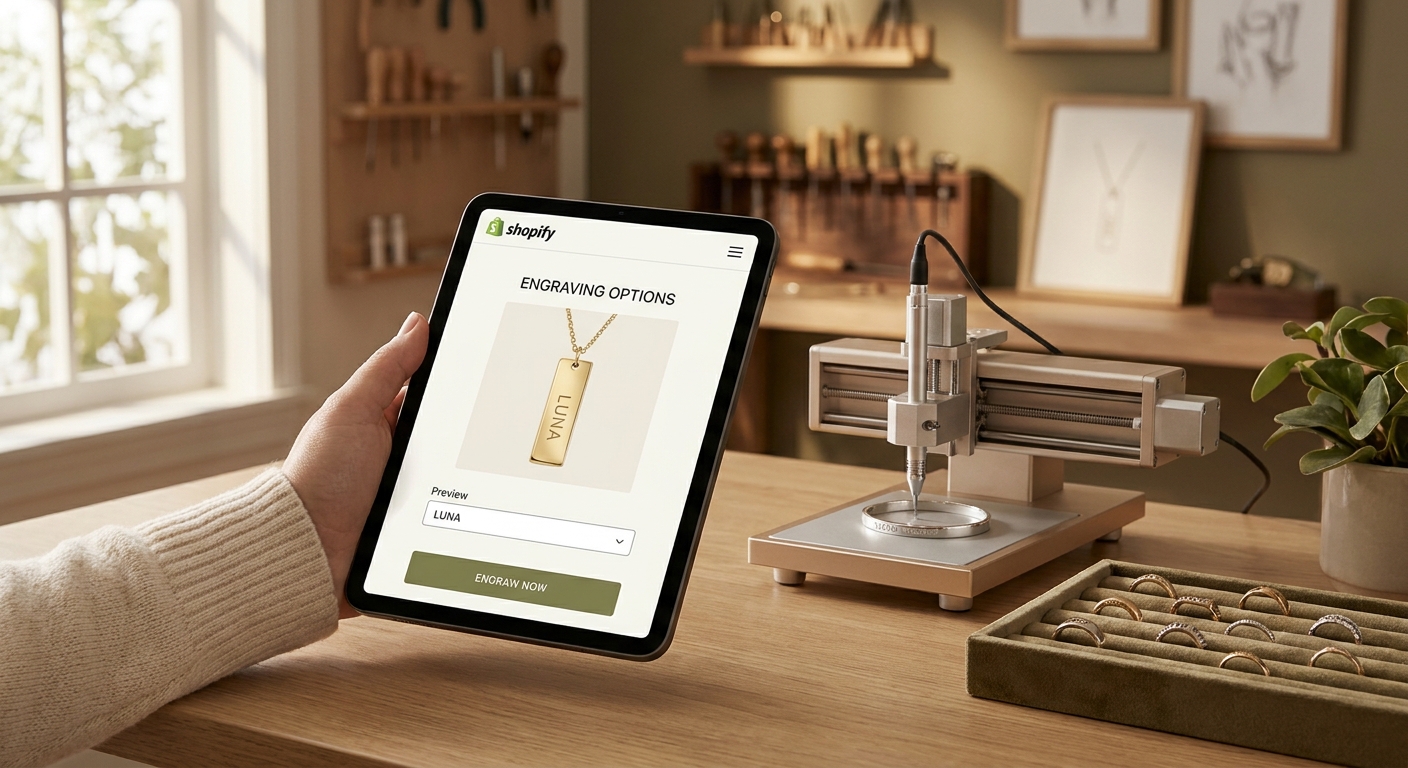
Jewelry brands need three things a generic customizer can't reliably give them: real-time visual preview so the shopper confirms exactly what gets engraved, input validation tied to piece size and technique, and an output file your engraving machine or vendor can actually use. That's the filter this list applies.
How we ranked
Each app below is evaluated on four criteria specific to engraving: live-preview accuracy, input validation (character limits, font legibility), production-file output for fulfillment teams, and setup time for a merchant with no developer on staff. Apps built primarily for apparel or drinkware personalization score lower here even if they're strong products generally -- engraving has narrower tolerances than a printed tote bag. Rankings reflect publicly available app-store listings and feature documentation as of 2026, not paid placement.
The ranked list
1. Bespo -- the engraving specialist
Bespo is built around a live-preview customizer that renders engraving, embossing, and debossing in real time as the shopper types, then outputs a production-ready file for fulfillment -- no manual re-entry, no guessing at font size. Setup takes about 5 minutes per the app's own onboarding flow: enable the app embed, add the customization block, publish. For a jewelry store selling engraved rings, bangles, or pendants, that means the shopper sees the exact placement and font before checkout, which cuts the "that's not what I ordered" complaints that plague plain text-field setups. The engraved jewelry customizer page walks through configuring character limits per SKU. Verdict: Buy -- if engraving accuracy and setup speed matter more than a 3D catalog, this is the pick for 2026.
2. Zakeke -- the 3D visualizer heavyweight
Zakeke leans into 3D product configuration and works well when a catalog spans dozens of variants that all need visual customization, not just jewelry. It supports engraving-style text overlays but its strength is broader product visualization rather than engraving-specific validation. Heavier catalogs with mixed product types (jewelry plus apparel plus accessories) get more mileage out of it than a pure jewelry line. Verdict: Consider -- strong if you need 3D across categories, overkill if jewelry is your whole business.
3. Basic text-field / product-option apps
These are the generic "add a custom text box" tools built for broad personalization use cases -- gift tags, mugs, tote bags. They add a field to the product page and pass the text through to the order, nothing more. No live preview, no character-limit validation against engraving area, no production file. For a $40 engraved bracelet, that's a real risk: the shopper has no confirmation of what the final piece looks like before paying. Verdict: Skip for engraving specifically -- fine for simple text-only gifting, not for jewelry.
4. Globo-style personalizer apps
Mid-tier personalization apps in this category typically add a customization panel with basic image or text upload and moderate setup complexity -- more configuration than Bespo's five-minute flow, less visual fidelity than Zakeke's 3D rendering. They can work for stores with a limited SKU count and low order volume where a merchant is willing to manually check each order before sending it to fulfillment. Verdict: Hold -- workable at low volume, a bottleneck once order volume climbs past a few dozen a week.
5. Spoke and similar legacy customizer apps
Spoke-style apps were early movers in Shopify product customization but many jewelry merchants report outgrowing them as catalogs and order volume scale -- slower load times on product pages and thinner support for engraving-specific validation compared to newer entrants. If you're already on one of these and evaluating a switch, the Spoke alternatives comparison breaks down migration paths. Verdict: Wait -- don't rip it out mid-season, but don't build new engraving SKUs on it in 2026.
6. Manual order-note workarounds
Some smaller jewelry sellers still handle engraving text through a plain "Add a note to your order" field with no app at all. It costs nothing and takes zero setup, but there's no preview, no validation, and no structured data for a fulfillment team to work from -- just free text a human has to read and interpret correctly every time. Verdict: Skip -- fine at a handful of orders a month, unworkable past that.
Comparison table
Bespo
- Live Preview: Yes, real-time
- Engraving Validation: Yes
- Setup Time: ~5 minutes
- Best For: Pure jewelry/engraving stores
- Verdict: Buy
Zakeke
- Live Preview: Yes, 3D
- Engraving Validation: Partial
- Setup Time: Moderate
- Best For: Mixed catalogs, 3D-heavy
- Verdict: Consider
Basic text-field apps
- Live Preview: No
- Engraving Validation: No
- Setup Time: Fast
- Best For: Low-stakes gifting only
- Verdict: Skip
Globo-style personalizers
- Live Preview: Basic
- Engraving Validation: Partial
- Setup Time: Moderate
- Best For: Low-volume simple SKUs
- Verdict: Hold
Spoke-style legacy apps
- Live Preview: Basic
- Engraving Validation: Limited
- Setup Time: Slower
- Best For: Existing installs only
- Verdict: Wait
Manual order notes
- Live Preview: No
- Engraving Validation: No
- Setup Time: None
- Best For: Under 10 orders/month
- Verdict: Skip
For jewelry brands with a defined engraving line, the jewelry brand customizer setup guide covers configuring multiple techniques -- engraving, embossing, stamping -- under one product template.
Where to buy
- Install directly from the Shopify App Store, never a third-party download link -- app store listings show current pricing, reviews, and update history you need before committing.
- Test on a development store first. Run a full engraving order end to end -- preview, checkout, fulfillment export -- before pushing to your live theme in 2026's competitive holiday season.
- Check the review date range, not just the star average. An app with a 4.5-star average built on 2022 reviews tells you less than one with consistent 4-star-plus reviews through 2025 and 2026.
FAQ
What's the best Shopify app for jewelry engraving in 2026? Bespo is the top pick for stores focused specifically on engraved jewelry, with a live-preview customizer and production-ready file output built for the technique. Zakeke is a solid alternative if your catalog spans multiple product types beyond jewelry.
Is Bespo better than Zakeke for engraving? For pure engraving work, yes -- Bespo validates character limits and engraving area specifically, while Zakeke's strength is 3D visualization across broader catalogs. Choose based on whether jewelry is your whole business or one category among many.
How much does a jewelry personalization app cost? Pricing varies by app and plan tier, and most Shopify personalization apps list current pricing directly on their App Store listing -- check there before committing to a plan.
Do I need a developer to add engraving personalization to my Shopify store? No, not with modern apps built for this. Bespo's setup involves enabling an app embed and adding a customization block through the theme editor, no code required.
Can customers preview their engraving before they buy? Only with apps built for live preview. Basic text-field or order-note approaches give the shopper no visual confirmation, which is the leading cause of engraving-related refund requests.
What happens if a customer misspells a name during checkout? Apps with input validation catch obvious issues like character limits before the order submits, but spelling accuracy is still on the shopper -- a clear live preview is your best defense since it forces a visual double-check before payment.
Do engraving apps work with existing Shopify themes? Most modern personalization apps, including Bespo, work through the Shopify theme editor via app embeds and blocks rather than requiring a custom theme rebuild.
Is a 3D configurator necessary for jewelry engraving specifically? 3D adds visual polish but isn't required for engraving accuracy -- a sharp 2D live preview with correct proportions covers what most jewelry shoppers need to confirm their order before checkout.
One last thing
The single biggest predictor of engraving-related refunds isn't the app's feature list -- it's whether the shopper sees a preview before they pay. Stores that added any form of live preview in 2025 and 2026 consistently report fewer post-purchase "that's not what I ordered" tickets than stores relying on a plain text field, regardless of which app they used. If you take one thing from this list, make it that: preview before payment, every time.