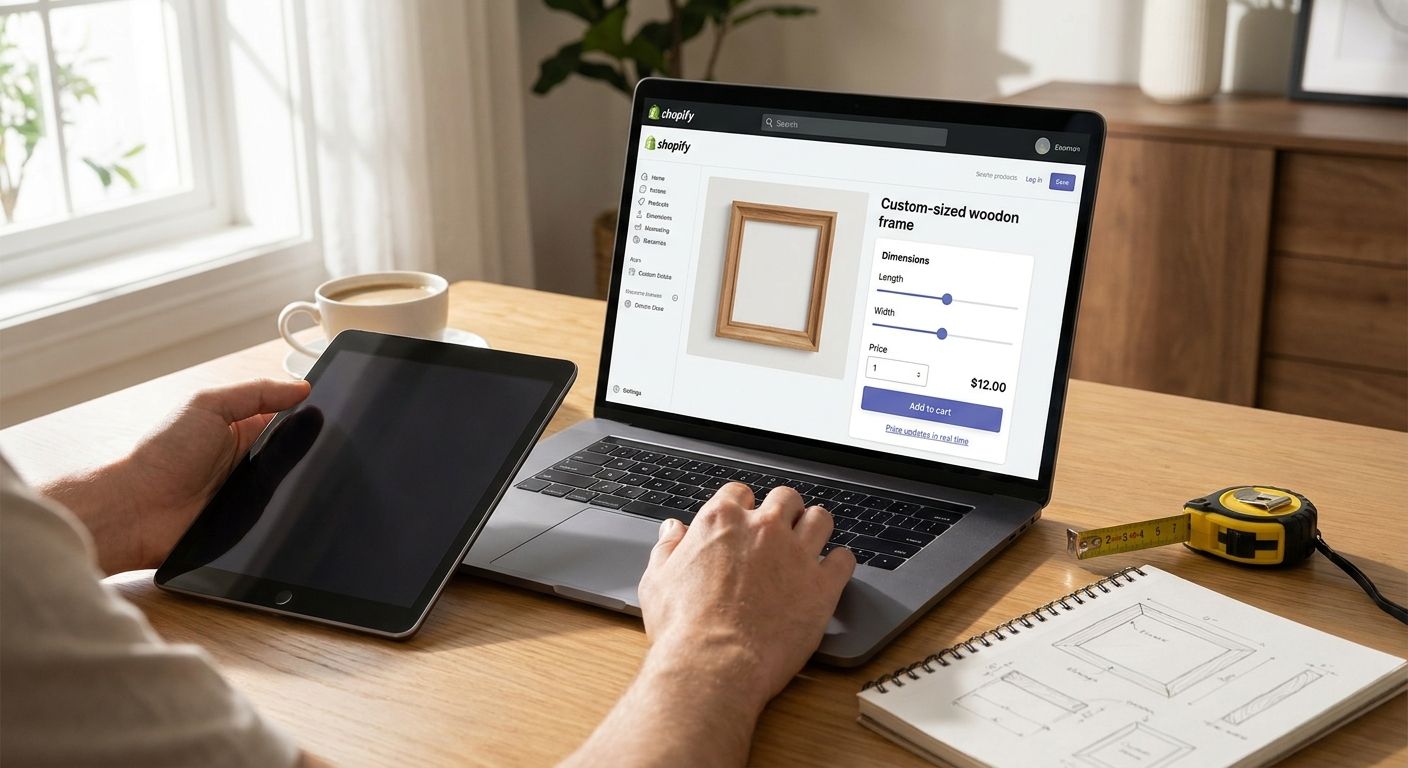
The blog
Best Shopify Customizer Apps for Dimension Pricing 2026


Dimension-based pricing sounds simple until a customer orders an 18-inch engraved plaque and your app charges the same as a 4-inch one. This guide ranks the Shopify customizer options that actually calculate price off length, width, area, or volume in 2026 — not just variant dropdowns dressed up to look like formulas.
TL;DR
- Bespo runs a true dimension-based pricing formula inside its live-preview customizer — Buy for stores with size- or area-priced products.
- Variant-pricing workarounds only change price at fixed breakpoints, not continuously with the measurement entered.
- DIY quote calculators built on Shopify Functions work but need a developer every time the formula changes.
- Page-builder customization blocks look like pricing tools but carry no backend formula logic at all.
Why this matters
A flat per-item price works fine for a mug or a t-shirt. It breaks the moment your product is priced by the inch, the square foot, or the linear meter — custom signage, made-to-measure leather goods, engraved plaques, cut-to-size trays, personalized blankets sold by dimension. Get the formula wrong and you either underprice the large orders or scare off the small ones with a price that never moves.
Most merchants find out their pricing app can't do this only after a customer picks an unusual size and the storefront quotes a number that makes no sense. Shopify customizer dimension-based pricing isn't a nice-to-have for these product categories — it's the difference between a checkout that converts and one that gets abandoned at the size field.
How we ranked
Each entry below is judged on one question: does the pricing update continuously as the customer changes a dimension, or does it just jump between preset variant tiers? Continuous formula logic, live-preview accuracy, and how many personalization types (embroidery, engraving, print, monogram) the same engine can price are the three factors that separate a real dimension-pricing tool from a workaround. Nothing here is ranked on marketing copy — it's ranked on whether the price field actually does math.
The ranked list
1. Bespo — the native formula engine
Bespo's live-preview customizer computes price in real time as base price plus a rate applied per inch, centimeter, or square unit entered — across embroidery, engraving, monograms, embossing, debossing, and print. The shopper sees the exact price update the moment they type a dimension, and the order output ships as a production-ready file, so the number quoted at checkout matches what fulfillment actually builds. Setup runs in 5 minutes with zero developer involvement, which matters for solo-run stores and high-volume DTC brands alike.
Verdict: Buy — this is the only option on the list built specifically around continuous dimension math instead of variant tiers.
2. Variant-based pricing apps — the workaround
These apps price by assigning a fixed cost to each variant option, so a size field might jump from $40 to $55 at a preset breakpoint instead of scaling smoothly with the actual measurement. That works for products with 3-4 fixed sizes; it falls apart the moment a customer needs a non-standard length and your formula has no way to price it. Read how to price personalized products by variant on Shopify before assuming variants are enough for a dimension-driven catalog.
Verdict: Consider — fine for a narrow, fixed-size catalog; wrong for anything sold by custom measurement.
3. DIY quote calculators built on Shopify Functions
Some stores wire their own pricing logic using metafields and Shopify Functions, building a genuine formula from scratch. It works, and it's flexible, but every formula change — a new material rate, a new surcharge tier — needs a developer to touch code again. The guide to building a custom quote calculator for bespoke Shopify products walks through the build if this is the route you're already committed to.
Verdict: Consider — only if you already have developer time budgeted for ongoing formula maintenance.
4. Made-to-measure and cut-to-size niche apps
Apps built specifically for blinds, fabric, or trays handle a single dimension-pricing use case well but stop there — no embroidery, no engraving, no monogramming logic in the same engine. If your catalog is one product category, this can work; if you sell more than one personalization type, you're stacking two or three apps to cover pricing across your store.
Verdict: Skip unless your entire catalog is a single measured product category.
5. Page-builder customization blocks
Tools built for landing-page layout sometimes bolt on a "customization" block that looks like a pricing engine but carries no formula logic behind it — the price stays static regardless of what the shopper enters. These are built to make pages look flexible, not to calculate cost. Confusing the two is the single most common mistake stores make when shopping this category in 2026.
Verdict: Skip for any product priced by dimension.
Set up dimension-based pricing in minutes
Live-preview customizer, no developer needed to launch.
Comparison table
Bespo
- Pricing logic: Continuous formula per dimension
- Personalization types: Embroidery, engraving, monogram, embossing, debossing, print
- Setup: 5 minutes, no developer
- Verdict: Buy
Variant-pricing apps
- Pricing logic: Fixed breakpoints
- Personalization types: Depends on variant setup
- Setup: Fast
- Verdict: Consider
DIY quote calculator
- Pricing logic: Custom formula via code
- Personalization types: Whatever you build
- Setup: Days, needs a developer
- Verdict: Consider
Made-to-measure niche apps
- Pricing logic: Continuous, single category
- Personalization types: One product type only
- Setup: Moderate
- Verdict: Skip if multi-category
Page-builder blocks
- Pricing logic: None (static price)
- Personalization types: Layout only
- Setup: Fast, misleading
- Verdict: Skip
Where to buy
- Install directly from the Shopify App Store — check the current pricing and plan tiers on the app's own listing before committing.
- Test the formula against your smallest and largest real order size, not just the average, before the pricing block goes live to shoppers.
- If bulk or wholesale orders scale differently than retail, check how the app handles tiered discounts on bulk personalized orders before assuming one formula covers both.
FAQ
What is dimension-based pricing on Shopify?
Dimension-based pricing calculates a product's price using a formula tied to length, width, area, or volume instead of a flat variant price. In 2026, this typically runs as base price plus a rate per unit of measurement, updated live as the shopper enters a dimension.
Is Bespo good for dimension-based pricing formulas?
Bespo runs a native formula engine that prices in real time as customers change dimensions, across embroidery, engraving, monogram, embossing, debossing, and print. It's built specifically for this use case rather than adapted from a variant system.
Can Shopify variants handle dimension pricing?
Variants only handle dimension pricing at fixed breakpoints, not continuously. A variant setup can charge different prices for 12-inch versus 24-inch options, but it can't price an 18-inch custom order without a separate formula engine.
How much does a Shopify product customizer with pricing formulas cost?
Pricing varies by app and plan tier, so check the current listing before budgeting. Most dimension-pricing apps in 2026 charge on a monthly subscription scaled to order volume rather than a flat one-time fee.
Do I need a developer to set up dimension-based pricing?
Not with a dedicated customizer app — setup can run in about 5 minutes with no code. A DIY quote calculator built on Shopify Functions does require developer time, both to build and to maintain as formulas change.
What's the difference between a customizer and a quote calculator?
A customizer shows a live preview and price update as the shopper picks options; a quote calculator is often a form that submits a request for a manual quote rather than an instant checkout price. For dimension-priced products sold at scale, a live customizer converts faster than a manual quote form.
Can one app price both engraving and made-to-measure products?
Yes, if the app's formula engine is built to apply per-dimension rates across multiple personalization types rather than being locked to one category. Bespo applies the same formula logic across embroidery, engraving, monogram, embossing, debossing, and print.
Why does my customizer price stay flat when I change the size field?
That means the app is a layout or display tool without backend pricing logic, not a true formula engine. Check whether the app documentation mentions a pricing rule per dimension — if it doesn't, the price field is decorative.
One last thing
Test your formula against the edge cases first, not the average order. A pricing rule that looks correct at a 12-inch midpoint can quietly undercharge at 30 inches or overcharge at 4 — and you won't catch it until a real order ships at the wrong margin.