The blog
Shopify Variant Pricing for Personalized Products (2026)


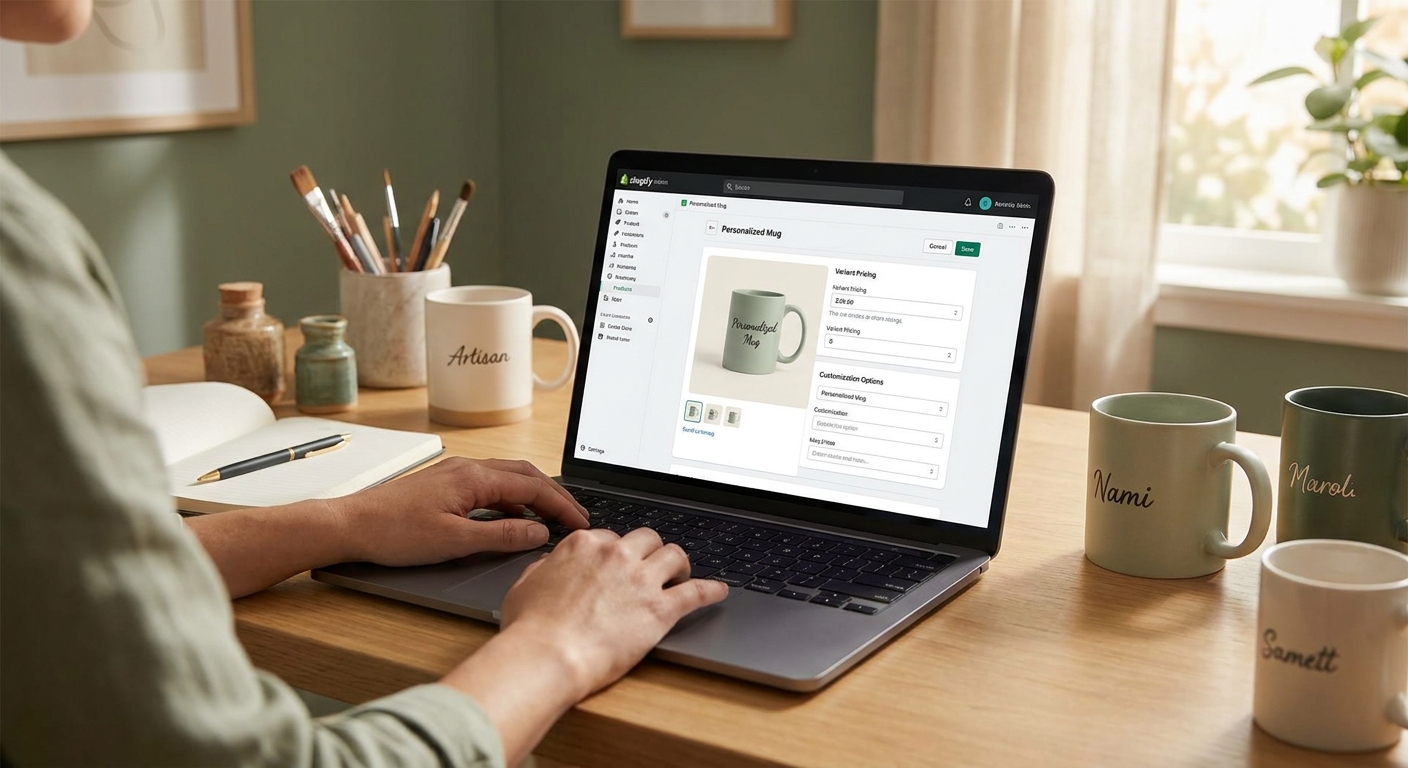
Pricing personalized products on Shopify gets messy fast once you add engraving fees, monogram upcharges, and multiple size or material tiers to a single SKU. This guide shows exactly how to structure variant pricing so the math holds up at checkout.
TL;DR
Shopify variant pricing for personalized products works best when you separate the base product price (size, material, color) from the personalization upcharge (line item property or a dedicated priced variant option). In 2026, most stores handling engraving, embroidery, or monogramming use a hybrid: native Shopify variants for physical attributes, plus an app-driven price add-on for the customization itself. Verdict: use variants for anything that changes cost of goods, and use app-based price rules for the personalization fee. Trying to force both into Shopify's native 100-variant limit breaks down once you add more than two or three options.
Why this matters
Shopify's variant system was built for size and color, not for open-ended personalization like a name, a photo, or a custom engraving line. If you try to create a separate variant for every possible name or text string, you'll hit Shopify's 100-variant-per-product ceiling almost immediately.
Get the pricing structure wrong and one of two things happens: you undercharge for labor-intensive customization and margin disappears, or your checkout shows a confusing price that doesn't match what the customer configured. Both cost you conversions and refunds in 2026's tighter DTC margins.
The fix isn't complicated once you separate two concepts: what changes the product (size, material, base color) versus what changes the price without changing the SKU (a text field, an engraving choice, an upcharge for adding a monogram).
What you'll need
- Admin access to your Shopify store and product catalog
- A clear list of every personalization technique you offer (engraving, embroidery, printing, embossing) and its true cost impact
- A personalization app that supports priced options and text fields on variants — native Shopify line item properties don't carry a price on their own
- 30-45 minutes per product to configure and test
- A test order card or Shopify's Bogus Gateway to confirm checkout totals before going live
The steps
1. Separate cost-driving attributes from personalization attributes
List every option your product offers and mark which ones change your cost of goods (size, material, color) versus which ones are pure customization (text, initials, photo upload). This split determines what becomes a Shopify variant and what becomes a priced add-on.
Skip this step and you'll end up trying to create a variant for every possible engraved name, which Shopify's structure was never built to hold. Get it right and your variant count stays under 20-30 combinations even for a product with three sizes and four materials.
Common mistake: treating a $6 monogram upcharge as its own variant instead of a price rule — it multiplies your variant count without adding real inventory logic.
2. Build your core variants in Shopify admin
In Shopify admin, go to your product page and set up variants for size, material, and color only — the attributes that affect what you actually ship. Price each variant according to its real cost basis: a leather wallet in full-grain leather at $58 versus a bonded-leather version at $38, for example.
This keeps your base pricing clean and auditable in Shopify's own reporting. It also means Shopify's built-in inventory tracking still works per variant, which app-based price rules can't replicate.
3. Add personalization pricing as a rule, not a variant
Use your personalization app to attach an upcharge to a technique or option — for example, +$5 for a single-line engraving, +$9 for embroidery with more than one color, or +$12 for a two-sided monogram. These rules sit on top of the variant price without adding new SKUs.
This is where most Shopify stores default to a flat single-price add-on ($5 across every technique) even when embroidery costs three times what a laser engraving line costs in labor. Price each technique separately if the cost gap is real.
4. Configure the text and image fields customers actually fill in
Set up the input fields shoppers use to enter their name, initials, or upload a photo, and connect the character limit or file requirement to the correct price rule. A personalization text option added at the variant level keeps the fee tied to the specific variant a customer picks, not a generic store-wide charge.
Expected outcome: the shopper sees one price for the base product, one line for the personalization fee, and a running total that updates as they type — no surprise at checkout in 2026's shorter attention-span buying flows.
5. Add the personalization box to the product page
Place the customization fields directly on the product page rather than burying them in a cart note. A visible personalization box on the product page forces the price update to happen before add-to-cart, which cuts down on post-purchase "I didn't realize it cost extra" support tickets.
Common mistake: leaving personalization as a free-text note field with no price tied to it — customers write in requests, and you either eat the cost or chase them for an extra invoice after the fact.
6. Set up live preview so price and design update together
Connect a live-preview customizer so the price total moves in sync with what the shopper sees rendered on the product mockup. When you set up live preview for your Shopify product customizer, the price recalculates the instant someone changes engraving style or adds a second line of text.
This single step is the biggest driver of cart abandonment reduction on personalized products — shoppers who see the real price alongside the real design trust the total more than a static estimate.
7. Test every combination before launch
Run test orders through Shopify's checkout for at least four combinations: base product alone, base plus one personalization option, base plus the maximum personalization options allowed, and a combination that hits any character or upload limit. Confirm the cart total, the order confirmation email, and the fulfillment file all show the correct price and correct customization data.
Expected outcome: the number on the customer's receipt matches the number on your fulfillment ticket, every time — a mismatch here is the single most common cause of manual order corrections in 2026 personalization storefronts.
8. Publish and monitor margin by technique
Once live, track orders by personalization technique for the first 30 days. If embroidery orders are converting at the same rate as simple engraving but costing you three times as much to fulfill, your price rule for that technique needs adjusting, not your base product price.
Troubleshooting
- Price doesn't update when a personalization option is selected — check that the option is tied to a price rule inside your customizer app, not just a free-text field with no cost attached.
- Variant count hits Shopify's 100 limit — move any attribute that doesn't affect cost of goods (like engraving text) out of the variant structure and into an app-based price add-on.
- Cart shows a different price than the product page preview — clear theme cache and confirm the app embed block is active in the same theme version customers are viewing.
- Fulfillment file doesn't match the price paid — verify the line item property mapping between your personalization app and your order export; a broken mapping usually means someone edited the theme code manually.
- Personalization fee applies to the wrong variant — double-check that price rules are scoped per-variant and not accidentally applied store-wide.
- Decimal rounding creates odd totals — set your price rule increments in whole cents, not percentages, to avoid compounding rounding errors across multiple add-ons.
Tools and resources
- Personalization text option setup for connecting text fields to price rules
- Adding a personalization box to product pages to surface pricing before add-to-cart
- Live preview customizer setup so price and design stay in sync
- Shopify's built-in variant pricing (native, no app required, for size/material/color only)
- A roundup of the best Shopify personalization apps in 2026 if you're still comparing platforms
What to do next
Once pricing is live, check your product's variant structure again in 90 days — as you add new techniques (a second engraving font, a new embroidery color count), the price rules need updating before the variant list does. Revisit your live preview setup any time you add a technique that changes how the product renders on-screen.
FAQ
What's the best way to price personalized products on Shopify? Use native Shopify variants only for attributes that change cost of goods (size, material, color), and handle personalization fees through app-based price rules tied to line item properties. This keeps your variant count manageable and your pricing auditable.
Is Shopify's native variant limit enough for personalization pricing? No — Shopify caps products at 100 variants, and open-ended personalization like names or custom text would blow past that instantly if forced into the variant structure. Price rules attached to text fields solve this without touching the variant cap.
How much should you charge for engraving or monogramming upcharges? There's no fixed rule, but the charge should reflect actual labor and material cost per technique — a single-line laser engraving typically costs less to fulfill than multi-color embroidery, so price them differently rather than applying one flat fee across every technique.
Can you charge different prices for text versus image personalization? Yes, and you should if the fulfillment cost differs. A name field costs less to process than a customer-uploaded photo that needs review and file prep, so separate price rules for each option protect margin.
Does personalization pricing affect Shopify's checkout line items? Yes — a correctly configured price rule shows as its own line item or an itemized addition to the base price at checkout, which is what customers expect to see before they confirm payment.
How do you test variant pricing before launch? Run test orders through Shopify checkout covering the base product alone, one personalization option, and the maximum combination allowed, then confirm the receipt matches the fulfillment file exactly.
Does Bespo replace Shopify's native variant system? No — Bespo works alongside Shopify's variants, adding priced personalization options, live preview, and production-ready output on top of the base variant structure you already manage in Shopify admin.
What's the biggest pricing mistake stores make with personalized products? Applying one flat personalization fee across every technique regardless of actual cost, which quietly erodes margin on the more labor-intensive options like embroidery or multi-line engraving.
One last thing
The stores that get variant pricing right in 2026 aren't the ones with the most granular price rules — they're the ones who test the full checkout flow before launch, catching the one mismatch between what the customer sees and what fulfillment receives. That single test run saves more support tickets than any pricing formula.