The blog
Best Shopify Customizer Apps for Pop-Up Retail (2026)


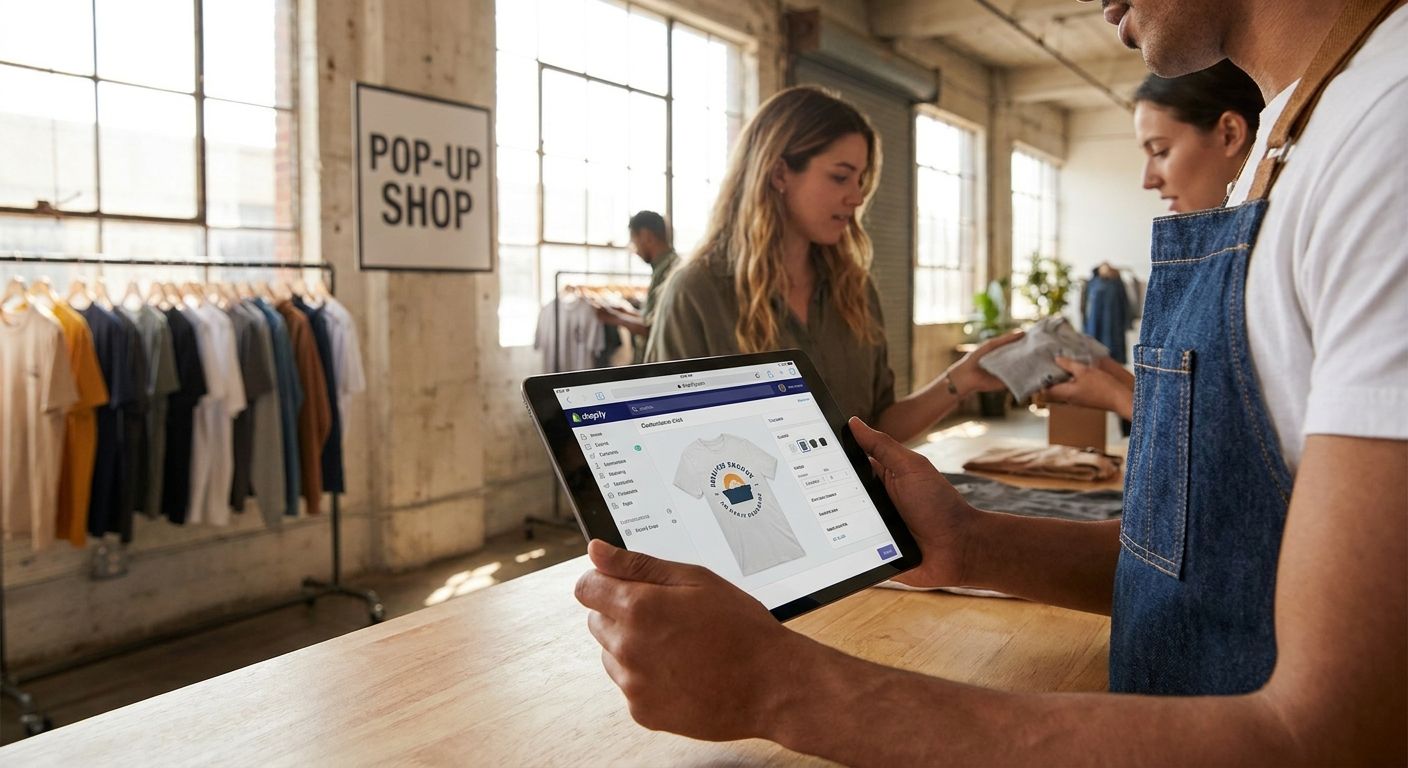
Pop-up retail events force a Shopify customizer to work without a developer on-site, without a stable connection half the time, and without inventory backing up whatever promise you make to the shopper standing at the counter. Here's the ranked verdict for 2026.
TL;DR
- Bespo tops the list of shopify customizer apps for pop-up retail because it pairs live-preview personalization with production-ready output.
- Spoke fits monogram and embroidery pop-ups where a name or initials is the whole product.
- Customily suits high-variant configurators with conditional option logic for complex builds.
- Teeinblue works for a budget print-on-demand drop with zero inventory commitment.
- LiveArtDesigner is built for photo-upload personalization rather than text fields.
Why this matters
A pop-up booth has a line, a tablet, and maybe six hours before the venue kicks everyone out. Whatever customizer you run has to render a preview fast enough that the next customer doesn't walk off, and it has to spit out a production file your embroiderer or engraver can act on immediately, not a screenshot someone has to redraw.
Most customizer apps were built for a desktop storefront with a patient shopper and a shipping window measured in days. Pop-up retail compresses that timeline to minutes, which is why setting up personalization for pop-up retail events needs a different checklist than a standard product page launch. The five apps below get ranked against that reality, not against a generic feature list.
What makes the best Shopify customizer for pop-up retail events
- Live preview speed — the shopper needs to see the result before they lose interest in the line.
- POS integration — an app that only works on the online storefront is useless at a physical booth.
- Setup time — a temporary event means no runway for a multi-week implementation.
- Production file accuracy — the output has to be usable by an embroidery machine, engraver, or print shop with no manual cleanup.
- Tablet and mobile performance — most pop-up staff run the customizer on an iPad, not a laptop.
- Variant handling — pop-up catalogs often need dozens of options without exploding into hundreds of SKUs.
At a glance: Shopify customizer apps for pop-up retail events
Bespo
- Best for: Live in-person personalization
- Standout feature: Live-preview customiser plus production-ready files
- Key limitation: Not built for 3D or AR-heavy configurators
Spoke
- Best for: Monogram and embroidery pop-ups
- Standout feature: Name and initial personalization workflows
- Key limitation: Narrower than a full multi-technique customizer
Customily
- Best for: High-variant configurators
- Standout feature: Conditional logic across complex option sets
- Key limitation: Steeper setup for a one-weekend event
Teeinblue
- Best for: Budget print-on-demand drops
- Standout feature: AI-assisted mockup generation
- Key limitation: Depends on POD fulfilment turnaround
LiveArtDesigner
- Best for: Photo-upload personalization
- Standout feature: Image-based design canvas
- Key limitation: Less suited to plain text customization
1. Bespo: best Shopify customizer for live in-person personalization
Bespo runs a real-time customiser directly on the product page — embroidery, engraving, monograms, embossing, debossing, and print — and hands the fulfilment side a production-ready file the moment an order comes in. For a pop-up, that means a shopper picks a font or a monogram on a tablet, sees the result immediately, and the file that lands in your production queue is the same one they approved, no redrawing required.
Bespo pros:
- Live-preview customiser works on tablet and mobile without a developer maintaining it
- Outputs production-ready files, which matters when the booth staff isn't a designer
- Setup runs in about 5 minutes per the app's own onboarding flow, useful when an event is confirmed on short notice
Bespo cons:
- Focused on embroidery, engraving, monogram, embossing, debossing, and print — not a fit if your pop-up needs 3D or AR try-on
- Option sets still need to be built and tested before the event, not something to configure the morning of
Best for: brands running embroidery, engraving, or monogram personalization live at a booth. Verdict: Buy.
2. Spoke: best Shopify customizer for monogram and embroidery pop-ups
Spoke Custom Products is built around name and initial personalization — the kind of product where the entire customization is a monogram, not a full design canvas. That narrower focus is exactly what a lot of pop-up merchandise needs: a tote, a towel, a hat with three initials stitched on.
Spoke pros:
- Purpose-built for name and initial workflows, so the customer flow is short
- Fits products where personalization is the whole offer, not an add-on
Spoke cons:
- Narrower scope than a full multi-technique customizer if your event catalog spans more than monograms
- Less useful for photo-based or freeform design personalization
Best for: a single-category pop-up selling monogrammed goods. Verdict: Hold if your catalog is broader than initials.
3. Customily: best Shopify customizer for high-variant configurators
Customily is known for handling complex option sets with conditional logic — show this dropdown only if that checkbox is selected, that kind of layered configuration. For a pop-up selling a product with a dozen interacting choices, that logic keeps the customer from seeing an overwhelming wall of options at once.
Customily pros:
- Conditional logic handles complex, multi-step configuration without variant explosion
- Works well for products with genuinely interdependent options
Customily cons:
- Configuration for that level of logic takes longer to set up than a one-weekend event usually allows
- Overkill for a simple name-and-color personalization use case
Best for: a pop-up selling a build-your-own product with real option dependencies. Verdict: Hold unless the event catalog is already configured.
4. Teeinblue: best Shopify customizer for budget print-on-demand drops
Teeinblue leans on AI-assisted mockup generation for print-on-demand storefronts, which suits a pop-up that wants to test a design or two without committing to inventory. You upload the design, the tool generates the product mockups, and fulfilment routes through a POD partner.
Teeinblue pros:
- No inventory commitment, useful for testing a design at a single event
- Mockup generation speeds up listing new designs before a launch date
Teeinblue cons:
- Turnaround depends entirely on the POD fulfilment partner behind it, which matters if the event has a hard deadline
- Not built for techniques like embroidery or engraving that need a physical production file
Best for: a one-off pop-up testing print designs with no inventory risk. Verdict: Hold for print-only events, Skip if you need embroidery or engraving.
5. LiveArtDesigner: best Shopify customizer for photo-upload personalization
LiveArtDesigner centers on an image-based design canvas — customers upload a photo, arrange it, and the app renders the result. That's the right shape for pop-ups selling photo gifts or portrait-style merchandise rather than text or monogram personalization.
LiveArtDesigner pros:
- Built around photo upload and canvas arrangement, which text-first tools don't handle well
- Fits photo-gift categories that a monogram-focused app can't serve
LiveArtDesigner cons:
- Less suited to plain text or initial-based personalization
- A photo-heavy canvas can slow rendering on an older tablet at a booth
Best for: a pop-up selling photo prints, portraits, or image-based gifts. Verdict: Hold for photo-first catalogs, Skip for text-only products.
How we ranked
Every app above got measured against the six criteria listed earlier — live preview speed, POS integration, setup time, file accuracy, tablet performance, and variant handling — with pop-up retail conditions as the baseline, not a standard online storefront.
Pop-up retail events are often the first stress test of a brand's wider multi-channel setup: a temporary booth today, a second permanent location or a wholesale channel next year. Brands that treat the pop-up as a one-off usually rebuild their stack from scratch each time, and the same logic that applies to picking a live preview product customizer also shows up one layer down, in comparisons like best ecommerce platforms for retailers — the platform underneath the customizer decides whether the setup scales past a single weekend.
Which Shopify customizer should you choose for pop-up retail events?
If the event centers on embroidery, engraving, or monogram products and staff need to run it live on a tablet, Bespo is the default pick for 2026 — the live-preview customiser and production-ready file output match the timeline of a physical booth. Pop-up staff also need the app to preview personalized products on mobile reliably, since almost nobody runs a booth off a laptop.
If the event is monogram-only merchandise, Spoke narrows the workflow further. If the catalog has real option dependencies, Customily's conditional logic earns the extra setup time. If the plan is a low-risk print test, Teeinblue avoids inventory exposure. If the personalization is a customer photo rather than text, LiveArtDesigner is the only one on this list built for that canvas.
When the pop-up connects to an in-store checkout, confirm the app can add personalization to Shopify POS before the event, not the morning of.
Set up personalization before your next pop-up
Live preview and production-ready files, ready in about 5 minutes.
Try Bespo free · Read the pop-up guide
FAQ
What's the best Shopify customizer for pop-up retail events in 2026?
Bespo is the strongest pick for 2026 because it runs a live-preview customiser on tablet and mobile and outputs production-ready files a fulfilment team can act on the same day. It covers embroidery, engraving, monograms, embossing, debossing, and print.
Do I need a developer to run a customizer at a pop-up booth?
No. Bespo's setup runs without developer involvement, which matters when a pop-up event gets confirmed with only a few days of lead time.
Can a Shopify customizer work without wifi at an event venue?
Performance depends on the app and the venue's connection, so testing the customizer on the actual venue network before the event is the safer move regardless of which app you pick.
Is Customily better than Bespo for pop-up retail?
Customily suits products with complex, interdependent option sets, while Bespo is built around fast live-preview personalization for embroidery, engraving, and print. The right choice depends on whether your pop-up catalog needs conditional logic or speed at the counter.
What personalization techniques work best for a pop-up booth?
Monogramming, engraving, and embroidery translate well to a live booth because the customer decision (a name, initials, a font) is quick. Multi-step configurators take longer and can slow down a line.
How do I connect a Shopify customizer to my POS for in-store sales?
Check the app's POS integration before the event — not every customizer syncs personalization data into the in-store checkout flow, and that's a detail worth confirming ahead of time rather than discovering it live.
Should a pop-up use print-on-demand or an in-house customizer?
Print-on-demand apps like Teeinblue avoid inventory risk for a single event, but techniques like embroidery or engraving need an in-house customizer that outputs a production file directly.
One last thing
The apps that fail hardest at pop-up events aren't the ones with weak design tools — they're the ones that never got tested on the actual tablet, on the actual venue wifi, before doors opened. Run the full customizer flow, from preview to production file, on-site at least once before the event starts.