The blog
Customizable Product Bundles Shopify: 2026 Setup Guide


Bundles lift average order value, but the moment you add engraving, monogramming, or a name field to any item inside that bundle, most Shopify bundle apps stop cooperating. Here's how to sell customizable product bundles on Shopify without stitching together five disconnected tools.
TL;DR
- Customizable product bundles on Shopify need a bundle app and a personalisation app working together, not one tool doing both.
- Price personalisation by variant, not a flat fee, or engraved and monogrammed bundles bleed margin past 3 units.
- Multi-step forms cut abandonment on bundles with 3+ personalisable items — one field per screen beats one long form.
- Gift box bundles convert better when every item previews live together before checkout, not item by item.
Why this matters
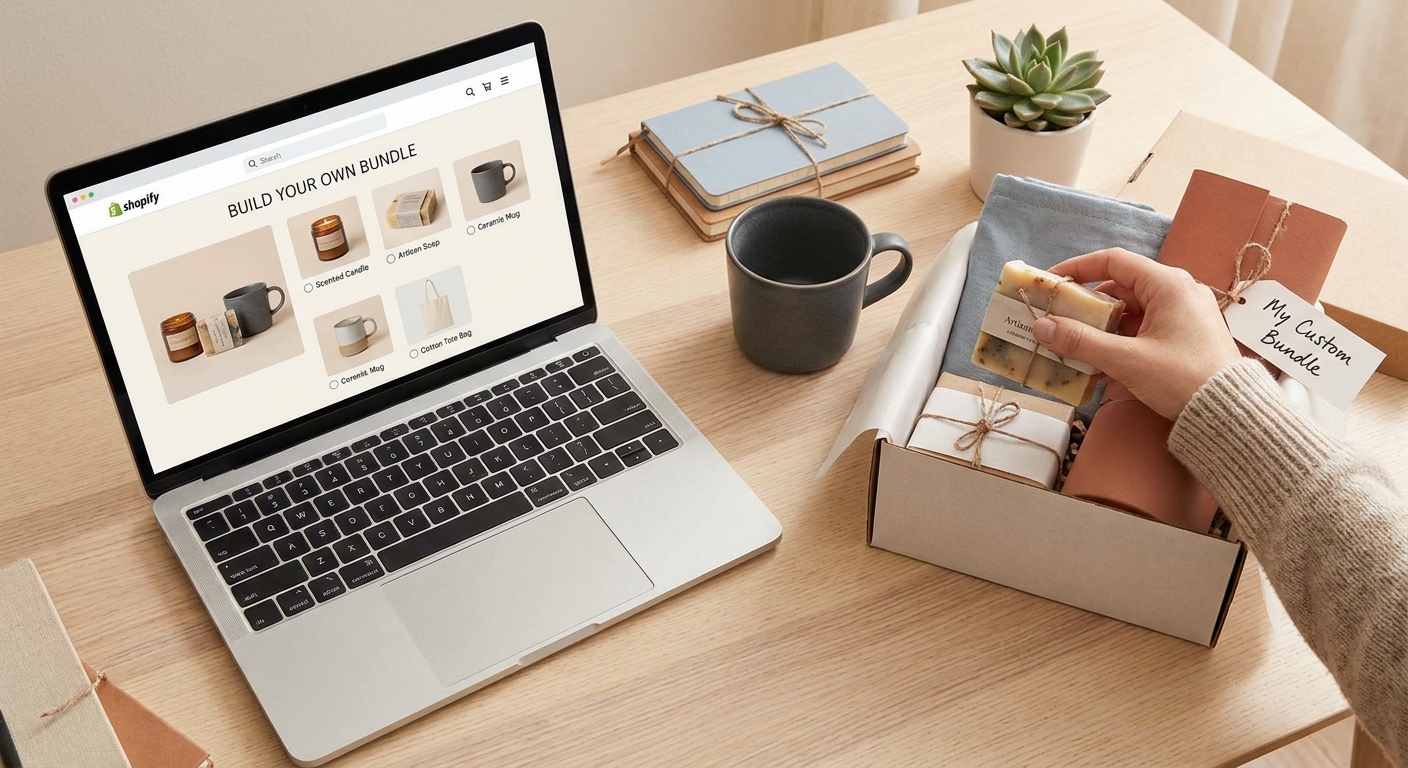
A plain bundle (three candles, one discount code) is easy. A bundle where each candle gets its own label text, font, and colour is a different build entirely — the bundle app handles the SKU grouping and discount math, while a live-preview app like Bespo handles the personalisation and generates the production file for each item.
Merchants running corporate gifting and DTC gift sets in 2026 keep making the same mistake: they pick a bundle app for the discount logic, then bolt on a text field with no preview. The customer can't see what they're actually ordering, support tickets pile up over spelling errors, and returns climb. The fix is sequencing the build correctly, not buying a third app.
What you'll need
- A Shopify bundle app or the native Shopify Bundles feature to group SKUs into one purchasable unit
- A personalisation app that renders a live preview per item and outputs a production-ready file for each technique (embroidery, engraving, print, embossing)
- Variant-level pricing rules for every personalised add-on inside the bundle
- A discount tier plan if you're targeting bulk or corporate orders
- 5 minutes to enable the app embed and customisation block in your theme editor — no developer required
The steps
1. Group your bundle SKUs first, then layer personalisation
Build the bundle as a plain, unpersonalised unit first. Confirm the discount math, inventory sync, and cart behaviour work with generic SKUs before you introduce a single customisable field.
This matters because personalisation apps attach to product pages, and debugging a broken discount alongside a broken preview at the same time wastes hours. Get the bundle mechanics right, then add the customiser.
Common mistake: merchants configure personalisation on individual items before the bundle logic is confirmed, then can't tell whether a checkout error is coming from the discount rule or the custom field.
2. Set up personalisation on each item inside the bundle
Each product inside the bundle needs its own personalisation technique configured — a monogram field on a towel, an engraving field on a flask, a name field on a card. Bespo's setup runs technique-by-technique, so a three-item gift set can mix embroidery on one piece and print on another.
Expected outcome: a shopper opens the bundle page and sees a live preview update per item as they type, not a static swatch.
3. Price personalisation by variant, not a flat fee
A flat $5 personalisation charge across every bundle item ignores the real cost difference between a printed initial and a hand-engraved name plate. Price personalized products by variant so the fee tracks the technique and material, not a guess.
Why it matters for bundles specifically: a 3-item bundle with flat pricing on all three either overcharges the simple item or undercharges the complex one. Neither outcome is good for conversion or margin.
Common mistake: setting one personalisation fee at the bundle level instead of per SKU, which breaks the moment you swap one item in the set.
4. Build a multi-step form for bundles with 3+ personalisable items
One long form with nine fields on one screen kills conversion. Break it into one field per screen — item one's text, then item one's font, then item two's text — so shoppers finish one decision before facing the next.
Bespo's multi-step customisation forms are built for exactly this: a bundle checkout that would otherwise feel like paperwork instead feels like a guided build. Expected outcome: completion rates hold steady even as the number of personalisable fields per bundle climbs.
5. Add tiered discounts for bulk personalised orders
Corporate gifting buyers order 12, 50, or 200 units of the same bundle with different names on each. Set discount thresholds — a common structure is 3, 6, and 12+ units — so the tier rewards volume without collapsing your margin on the personalisation fee.
This is where most generic bundle apps fall over: they discount the base product price and ignore the personalisation line item entirely, which means you're giving away margin on every engraved or embroidered unit in the order.
6. Preview the whole bundle live before publishing
Before the bundle goes live, check that every item's preview renders correctly together on the bundle page, not just in isolation on its own product page. A shopper buying a 3-piece personalised gift set wants to see the full set as it will arrive, not three separate previews they have to mentally combine.
Common mistake: testing each item's customiser individually and assuming the bundle page will inherit the same behaviour automatically.
7. Test on mobile before launch
Most gifting traffic in 2026 comes in on a phone, especially close to holidays. A multi-step form that works cleanly on desktop can crowd fields, clip preview canvases, or break font pickers on a 6-inch screen.
Run the full bundle flow — item selection, personalisation, preview, add to cart — on an actual phone before you push it live. Expected outcome: no horizontal scroll, no clipped previews, font and colour pickers reachable with a thumb.
8. Route production files to fulfilment
Once an order comes in, every personalised item in the bundle needs a production-ready file matched to its technique — engraving needs a vector file, embroidery needs a stitch-ready format, print needs a flattened image at the right resolution. Confirm this routing works for a multi-item order before your first real bundle sale, not after.
Add live personalisation to your bundles
5-minute setup, no developer needed.
Troubleshooting
- Live preview loads slowly with multiple bundle items. Compress preview images and lazy-load the previews for items the shopper hasn't reached yet in a multi-step form.
- The bundle discount doesn't apply once a personalisation fee is added. Check whether your discount rule fires on the base price only — reorder the logic so it applies to the final line item.
- Shoppers pick conflicting defaults across bundle items. Use conditional logic so selecting a font or colour on item one can pre-fill (not lock) the same choice on item two.
- Production files don't match what the preview showed. Verify the file spec per technique — an engraving file needs different resolution rules than a print file, and a mismatch here is the top cause of remake requests.
- Cart abandons partway through the customisation form. Shorten the form, drop optional fields to the end, and confirm the required fields come first.
- Bulk orders time out or fail to save. Confirm your bulk personalisation flow is built for multi-line orders — see how to offer bulk personalization for Shopify orders for the setup that handles this at volume.
Tools and resources
- A bundle app or Shopify's native Bundles feature for the SKU grouping and discount layer
- Bespo for the live-preview customiser and production file output
- Variant-level pricing configured per personalisation technique
- A tiered discount structure for bulk and corporate gifting orders
- A mobile device for pre-launch QA on every bundle you publish in 2026
What to do next
Once your first customizable product bundle is live, the next fix is usually the checkout form itself — how many fields you're asking for, and in what order. Bundles with heavy personalisation load benefit most from breaking the form into steps rather than one page, and from testing tiered pricing separately from the base bundle discount before combining them.
FAQ
What's the best way to sell customizable product bundles on Shopify in 2026?
Pair a bundle app for SKU grouping and discounts with a personalisation app like Bespo for live preview and production files. Running both jobs through one tool usually means a weak preview or a weak discount engine.
Can Shopify's native Bundles feature handle personalized items?
Shopify Bundles groups SKUs and applies pricing rules, but it doesn't render a live personalisation preview on its own. You need a customiser layered on top for engraving, monogramming, or text fields to show up correctly.
How do I price a bundle that includes engraving or monogramming?
Price the personalisation fee by variant and technique, not as one flat charge across the whole bundle. An engraved item costs differently to produce than a printed one, and flat pricing either overcharges or undercharges one of them.
Is Bespo compatible with Shopify's native bundle feature?
Bespo attaches its customiser and live preview to the individual product pages inside a bundle, working alongside Shopify's bundle and discount logic rather than replacing it.
What's the difference between a customizer app and a bundle app?
A bundle app groups multiple SKUs into one purchasable set and manages the discount math. A customizer app renders the live preview for personalisation fields and produces the file fulfilment needs. Most bundle-plus-personalisation stores need both.
Can customers preview a full personalized bundle before checkout?
Yes, if the customiser is configured at the bundle page level rather than only on each item's individual product page. Shoppers should see every personalised item in the set rendered together before adding to cart.
How do I offer bulk discounts on personalized bundles?
Set tiered thresholds — a common structure is 3, 6, and 12+ units — and make sure the discount calculates after the personalisation fee is added, not before, so margin on the customised portion stays intact.
Does a multi-step customisation form actually reduce cart abandonment?
Breaking a bundle's personalisation fields into one step per screen keeps the process from feeling like a form, especially past 3 personalisable items. Long single-page forms are the more common cause of drop-off on multi-item bundles.
One last thing
Most bundle discount logic in 2026 still calculates against the base product price and ignores the personalisation line item entirely — check that order before you launch, because it's the single most common way merchants quietly give away margin on every engraved or monogrammed unit in a bulk order.